News
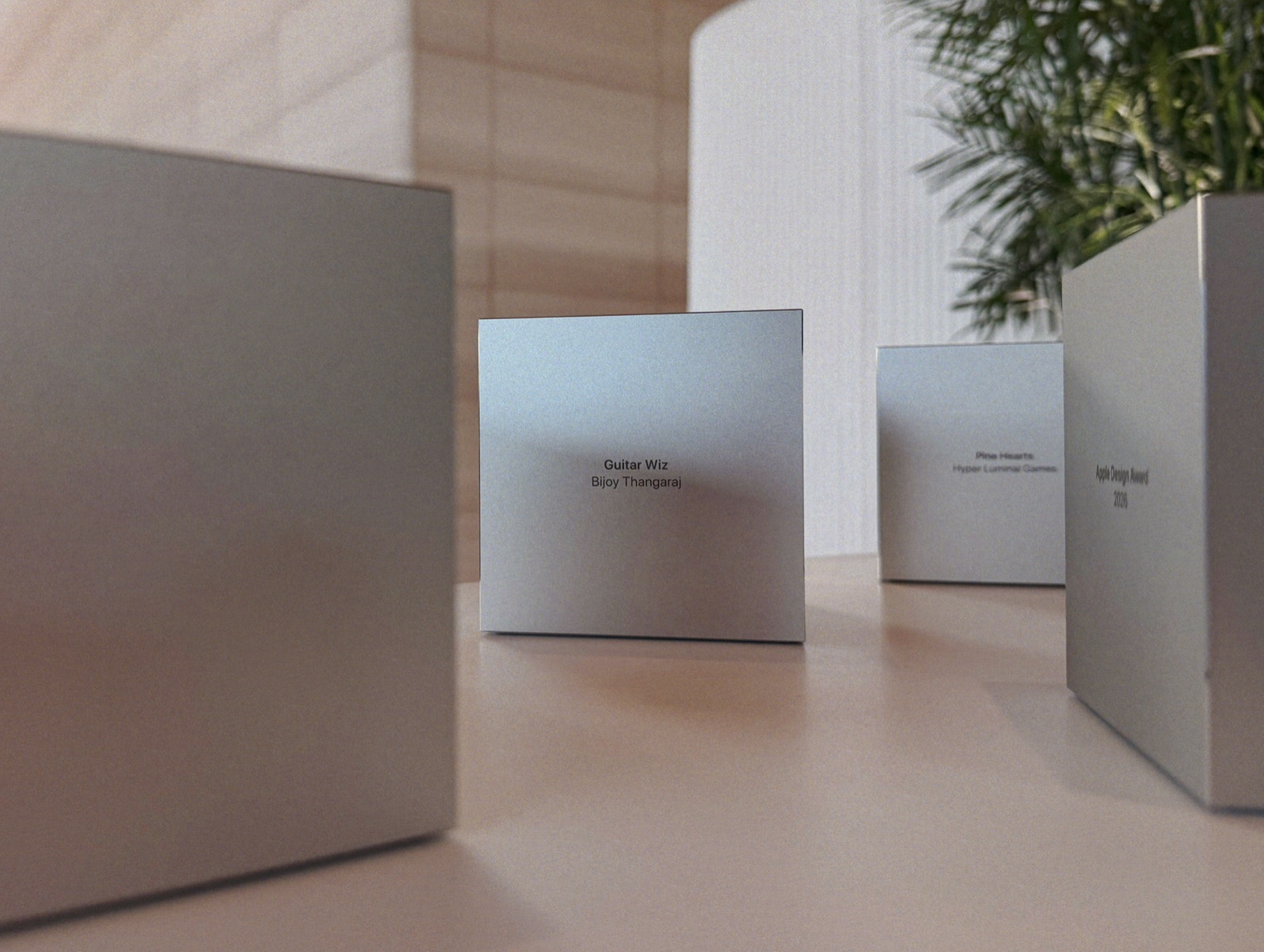
Guitar Wiz Wins a 2026 Apple Design Award
Guitar Wiz has won a 2026 Apple Design Award in the Inclusivity category, with Apple recognizing its accessibility-focused guitar experience across iPhone, iPad, Mac, and Apple Watch.

Learn thousands of guitar chords, tune with precision, practice with a powerful metronome, and create custom backing tracks.




"This app makes learning guitar super fun and easy. The information is clear and the essential tools help me plan my practice sessions better. Totally worth it!"
mayank611
India"I've been using this amazing app for several days. In one word, I can say it's a splendid blessing for all musicians. From beginner to pro level, no one will have any trouble using this app. As a guitar instructor, I also recommend my students to use it. Hope you guys find it just as amazing!"
Bodmashpolapan
India"I really like the easy-to-find chords! The tuner is also good. Great tool for guitarists!"
Benjemmin
Netherlands"All in one app! Every musician must have it."
B34rf00t
Canada"Must-have chord library app. It's got an extensive catalog — highly recommend it."
CoolGreen446
India"It doesn't matter which stage of guitar learning or playing you are in — this is one such app that is going to help you glide to the next level. As a creative person, I'm very likely to get stuck, and I did get stuck, but then voila! Guitar Wiz has so many rut-breakers in the form of chord charts, backing tracks, and theory that you will certainly find yourself out of that creative rut. If you have the chords laid out for all the keys, that's more than half your creative and technical challenges handled! This app is worth every rupee spent. I highly recommend it to all musicians, even if you don't play guitar!"
Mr. Viyyapu
IndiaWe built Guitar Wiz to be the only tool you need when you pick up your guitar.
A massive chord library with thousands of chords, multiple positions across the fretboard, fingering suggestions, audio previews, and detailed theory for every chord.
A professional chromatic tuner that's extremely accurate. Detects pitch in real time, supports standard and alternate tunings, and gets you in tune in seconds.
A professional metronome that's extremely precise and reliable. Set tempo, beats, and subdivisions - it keeps playing in the background and supports Live Activity controls.
Create your own songs and jam tracks using chords. Add sections, choose accompaniment patterns, control individual instruments, and export high-quality audio.
Scan chord sheets with your camera and instantly identify chords. Tap any detected chord to hear it, see its diagram, and play along.
Discover common chord progressions organized by genre and mood. Learn the patterns behind popular songs and use them in your own playing.
Identify any chord by tapping notes on the virtual fretboard. Guitar Wiz instantly shows you all the chords that contain those notes.
Learn a new chord every day. See its diagram, hear its sound, discover the styles it's used in, and explore the theory behind it - right when you open the app.
Your personal chord practice coach. Chord Assist listens as you play and highlights which notes you've nailed - in real time.
Organize your chords into custom collections. Guitar Wiz comes with curated collections built in, and you can create your own for set lists, practice sessions, or study.
Guitar Wiz is built for everyone. VoiceOver support, larger text, dark interface, reduced motion, and contrast adjustments make every feature accessible.
Access guitar tools right from your wrist. Use the tuner, metronome, and Chord of the Day on Apple Watch - no phone required.
Add Guitar Wiz widgets to your home screen and control the metronome from your lock screen with Live Activities and Dynamic Island.
Share chord diagrams instantly in iMessage. Search the chord library and send clean, visual chord diagrams to bandmates, students, or friends.
Head over to News to see all releases.
Guitar Wiz has won a 2026 Apple Design Award in the Inclusivity category, with Apple recognizing its accessibility-focused guitar experience across iPhone, iPad, Mac, and Apple Watch.
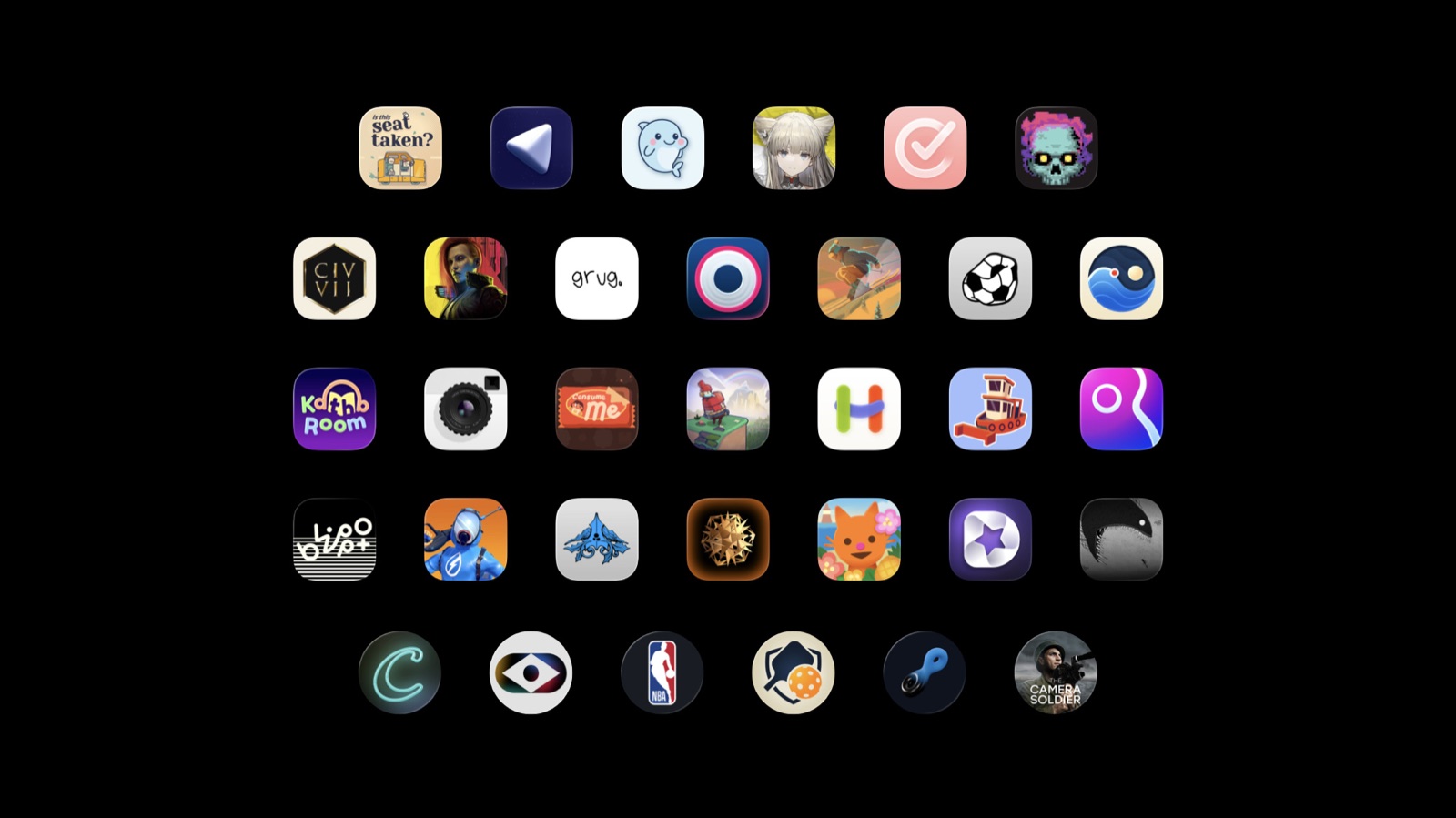
Apple has named Guitar Wiz a finalist in the Inclusivity category of the 2026 Apple Design Awards, recognizing the app's accessibility-focused experience across iPhone, iPad, Mac, and Apple Watch.

Guitar Wiz now supports App Clips, letting anyone open a chord page from the web and explore it instantly in the app - no installation required.
Have a question? Check out our Full FAQ Database.
Guitar tuner apps on modern smartphones can be remarkably accurate - often within ±1 cent of the target pitch. The key factor is the quality of the app's pitch detection algorithm, not just the phone's microphone.
Most decent tuner apps handle standard tuning with no issues. Where they differ is in how well they filter background noise and how quickly they lock onto a note. A well-designed app will ignore harmonics and overtones to give you a clean reading.
For most practice and performance situations, a good app tuner is more than sufficient. Guitar Wiz features a precision tuner accurate to ±0.01 cents, making it one of the most accurate tuner apps available.
It depends on the app. Basic tuner apps struggle in noisy rooms because they pick up ambient sound along with your guitar signal. More advanced apps use noise-filtering algorithms to isolate the guitar's fundamental frequency.
The trick is to play each string firmly and let it ring clearly. Getting closer to your phone's microphone also helps. Avoid tuning near speakers or in rooms with heavy reverb.
Guitar Wiz uses intelligent noise filtering in its tuner, so it can lock onto your guitar's pitch even in moderately noisy environments.
The best guitar tuner app is one that combines accuracy, speed, and ease of use. Look for apps that offer chromatic tuning, support for alternate tunings, and clear visual feedback showing whether you're sharp or flat.
Some tuners only handle standard tuning, which limits their usefulness as you progress. A great tuner app should feel responsive, stay accurate, and help you get in tune quickly.
Guitar Wiz includes a professional chromatic tuner accurate to ±0.01 cents with support for over 20 alternate tunings, all in a clean, intuitive interface.
Open your tuner app and pluck one string at a time. The app will detect the pitch and show you the note name along with how sharp or flat you are. Your goal is to adjust the tuning peg until the indicator is centered.
Start with the low E string (6th string) and work your way to the high E (1st string). Pluck each string cleanly and let it ring - avoid muting or bending the string while tuning.
In Guitar Wiz, the tuner shows real-time pitch detection with a clear visual indicator. Just open the Tuner tab, play a string, and adjust until the deviation reads 0 cents.
Alternate tunings are any tuning other than standard EADGBE. Guitarists use them to create different chord voicings, open string drones, or to make certain songs easier to play.
Popular alternate tunings include Drop D (DADGBE), Open G (DGDGBD), Open D (DADF#AD), and DADGAD. Each one changes the intervals between strings, opening up new sonic possibilities.
Guitar Wiz supports over 20 alternate tunings in its tuner, so you can quickly switch between them and explore different musical textures.
You should tune your guitar every time you pick it up to play. Guitars naturally drift out of tune due to temperature changes, humidity, string tension, and simply being played.
New strings stretch and go out of tune more frequently - expect to retune several times during the first few days after a string change. Even during a practice session, it's worth checking your tuning every 15-20 minutes.
Having a tuner app like Guitar Wiz on your phone makes this easy - just open the tuner before each session to make sure you're starting in tune.
Expert tips and guides on playing guitar. Read more articles.
Learn why guitarists like Hendrix and SRV tuned a half step down. Covers how to tune to Eb standard, the tonal benefits, and songs that use it.
Master vibrato technique with practical exercises for speed, width, and consistency to develop expressive lead guitar playing.
Master the half-whole diminished scale with practical applications over dominant chords. Learn shapes, licks, and when to use this powerful scale.
Break down hard chords into manageable pieces. Build muscle memory and master barre chords, F, and B.
Learn the essential skills and etiquette for jamming with other musicians, from reading cues to soloing over changes, to make the most of jam sessions.
Learn practical techniques to harmonize melodies on guitar using 3rds, 6ths, and diatonic harmony. Master the skill that makes simple melodies into rich arrangements.
Download Guitar Wiz today and transform your Apple devices into an indispensable guitar toolkit.